Table of contents
Calendar
Administrators can use the calendar to mark holidays. Holidays marked in the calendar will be treated as OFF days and all SLAs will be calculated accordingly.
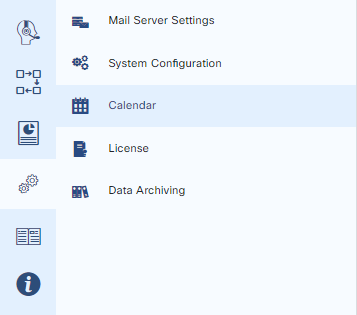
To access the calendar, please go to Configuration > Calendar
Add Holidays
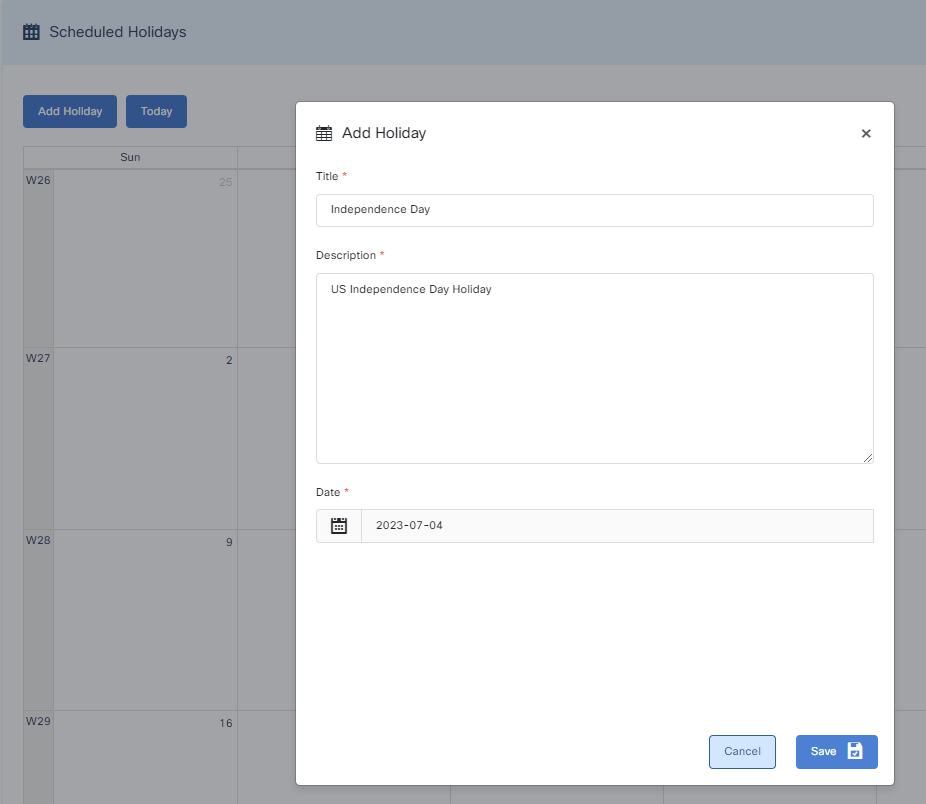
To add a holiday in the calendar, press the Add Holiday button and enter the details of the holiday.
Delete a Holiday
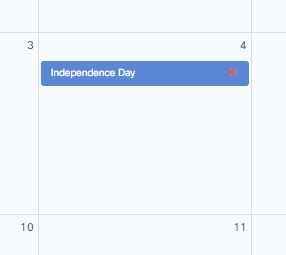
You can also delete any holiday. Press the red cross mark on the holiday and confirm the pop-up dialog to delete the holiday.