Tags
Tags are applied to tickets to quickly associate them with common issues.
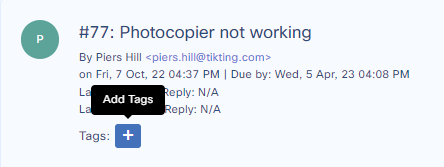
Add Tags
Tags can be added to the tickets by pressing the Add Tag button.
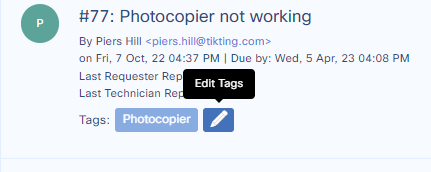
Edit Tags
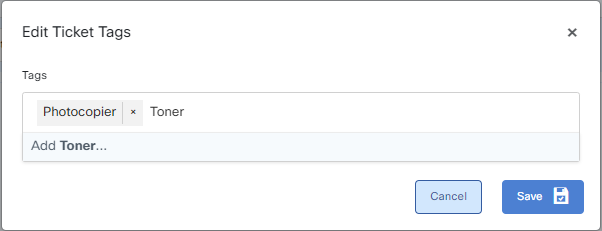
Tags can be removed from the ticket or replaced by another tag.
Press the pencil button.
Choose a tag from the list and press save.
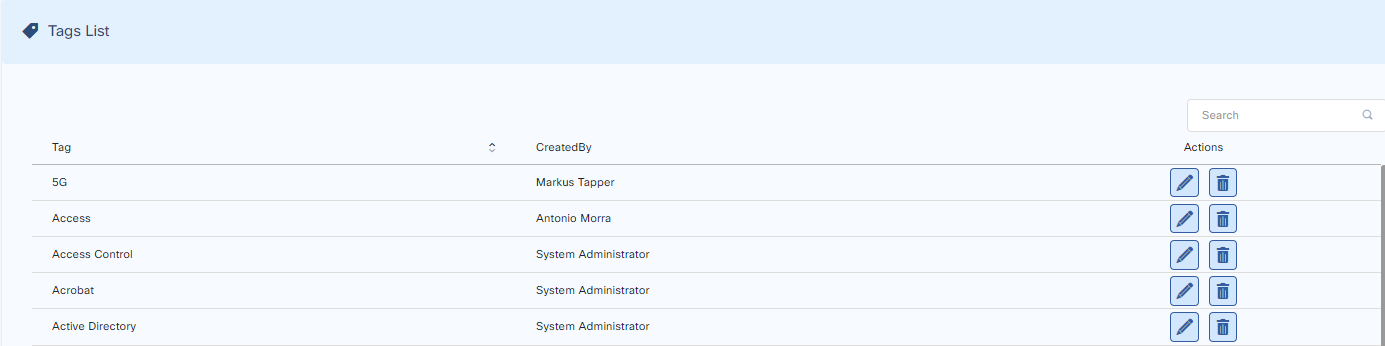
Tags List
Administrators can see and delete the tags from the Tags list.
Go to:
Customize > General > Tags
From the list edit or delete the tags.