Table of contents
Data Archiving
TIKTING - Enterprise Service Management System can be configured to archive old requests.
Data Archiving speeds up searches, page load and reload times, and response times.
Rules and Exception rules can be configured to include or skip specific tickets, and archiving can be scheduled to run at specific intervals.
Configure Data Archiving
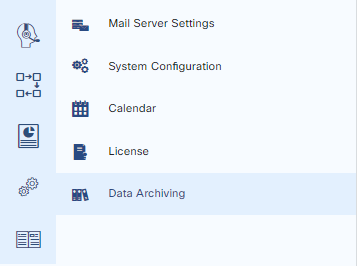
Data archiving can be accessed from Configuration > Data Archiving
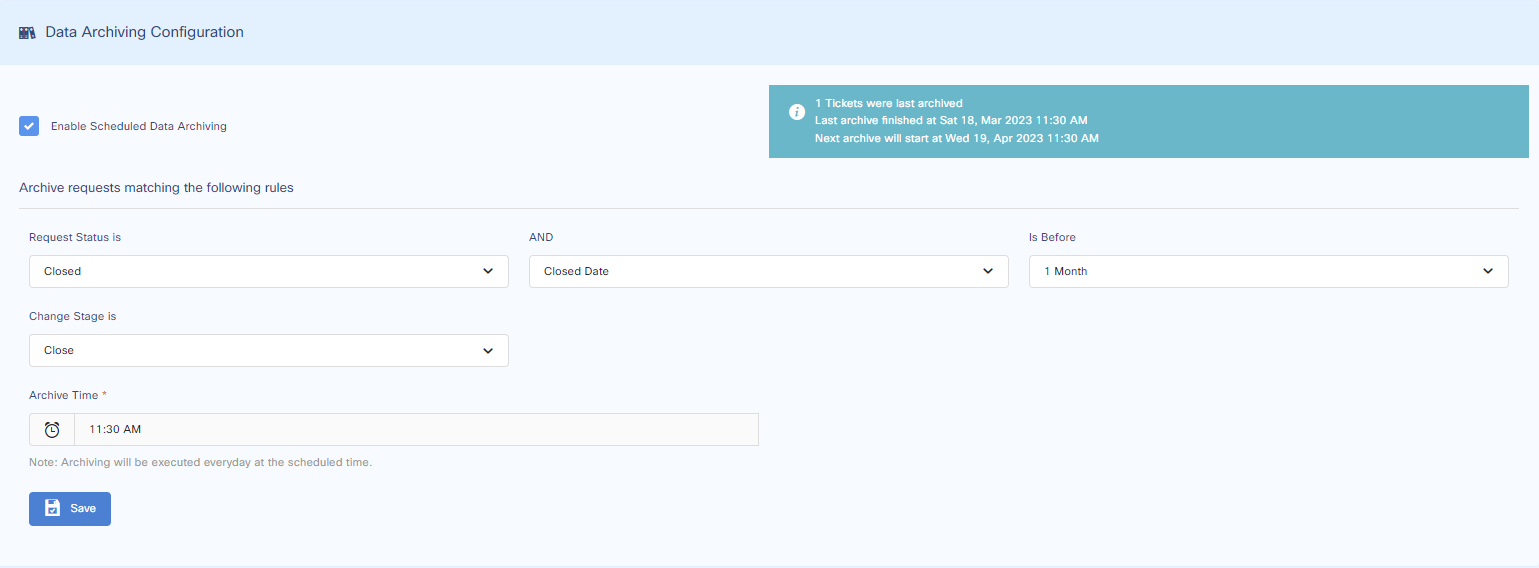
Please select the Enable Data Archiving checkbox for the system to perform Data Archiving.
To add a rule, select the “Request Status is” field and the drop-down options will show which requests should be archived.
-
Choose whether the date should be the action date (close date) or created date.
-
In the next field, choose how long you want to wait before tickets are archived.
-
Choose if you want to configure archiving for change management.
-
Choose the time at which you want Scheduled Data Archiving to run.