Administrator Account
The Administrator account contains many settings which Administrators can customize for themselves.
Access
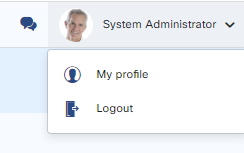
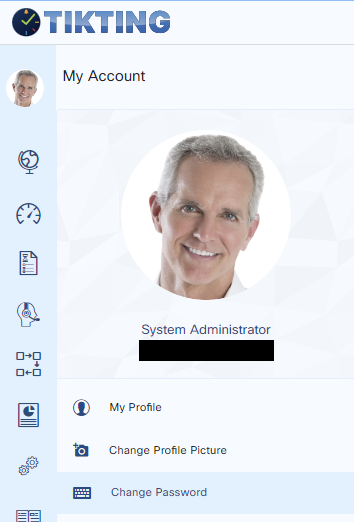
Administrators can access the account by logging in, clicking on System Administrator, and pressing My Profile.
Profile Information
Various fields contain profile information for the Administrator. You can change these settings here.
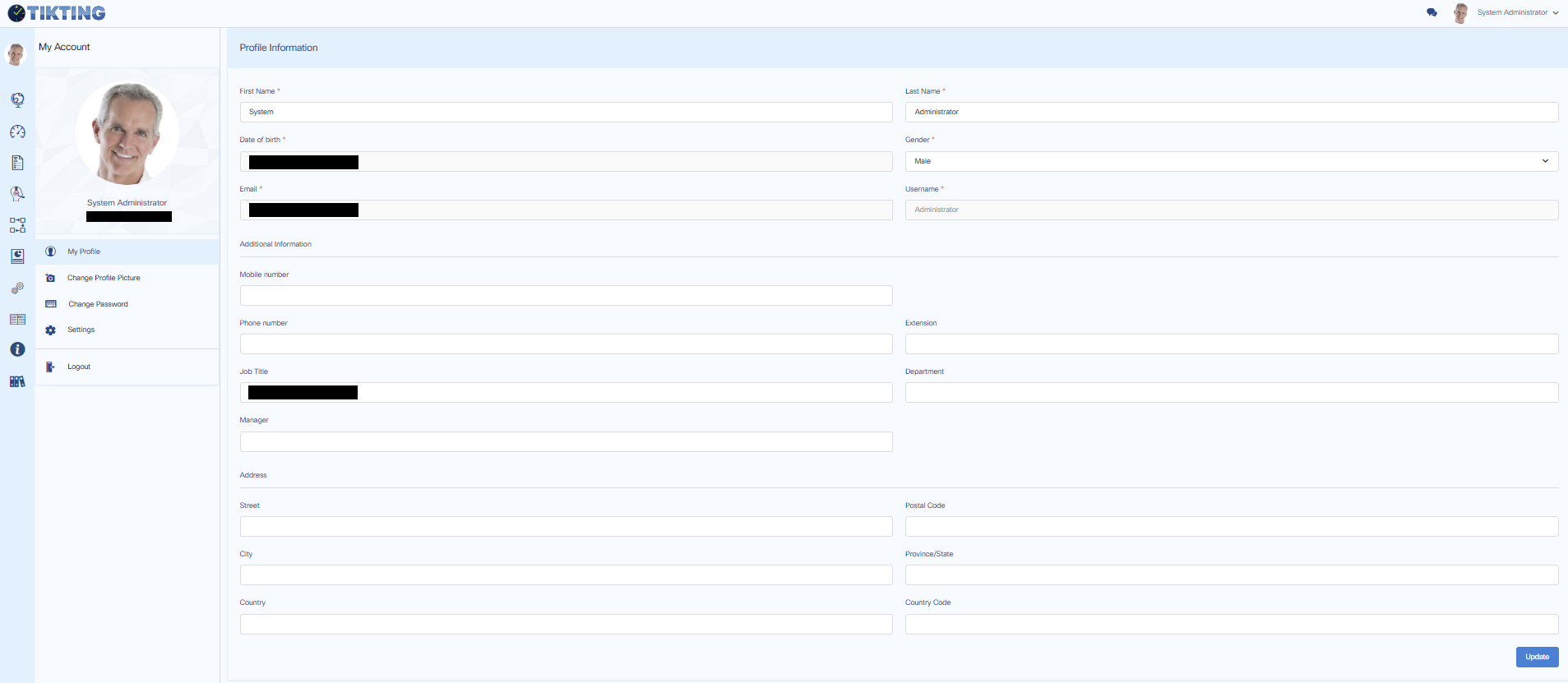
Note that some settings are managed by your organization and cannot be changed from here.
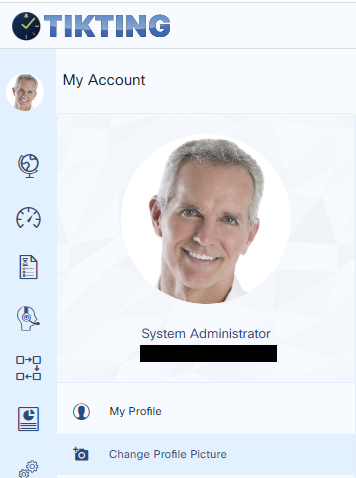
Change Profile Picture
Administrators can change their Profile Pictures from here.
Change Administrator Password
Administrators can change their password from here.
Time & Date
System time and date depend on what the user selects here. If you reside in the US Eastern Time Zone, you should select your time and date settings here so all the tickets and changes are shown converted to your time zone.
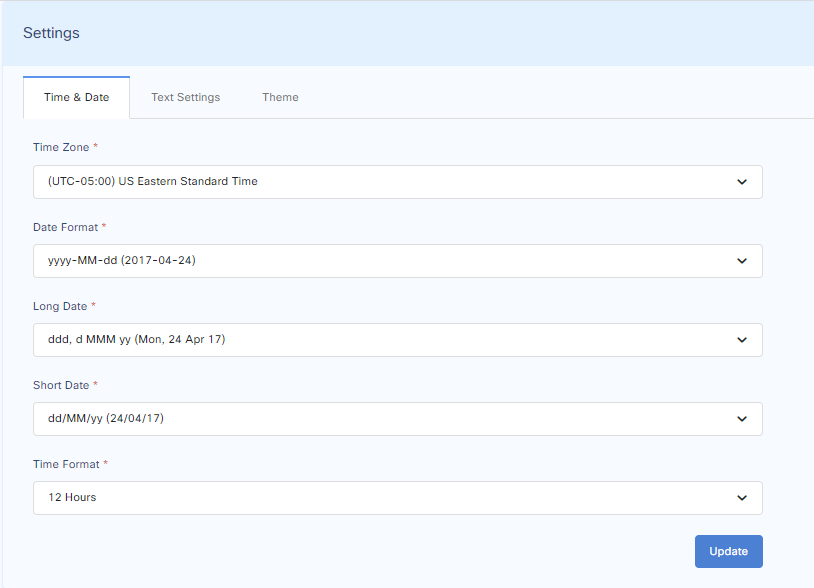
Further to this, Administrators can select their preferred date format.
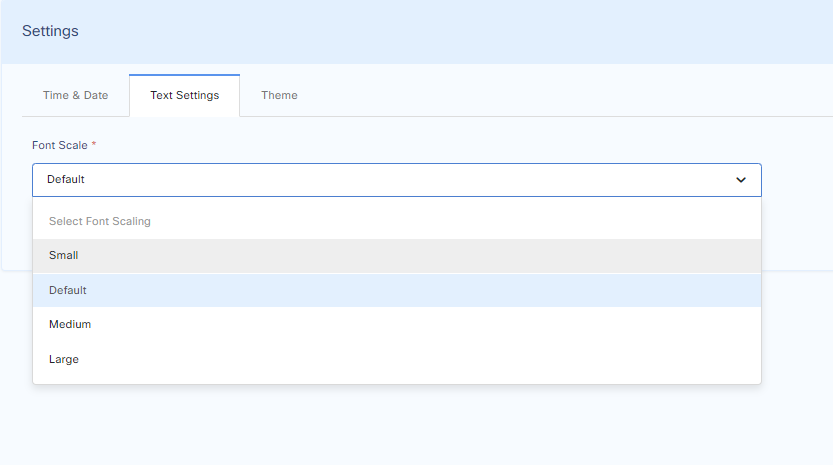
Text Settings
To show the ticket content in a different text size, you can choose Text Settings here.
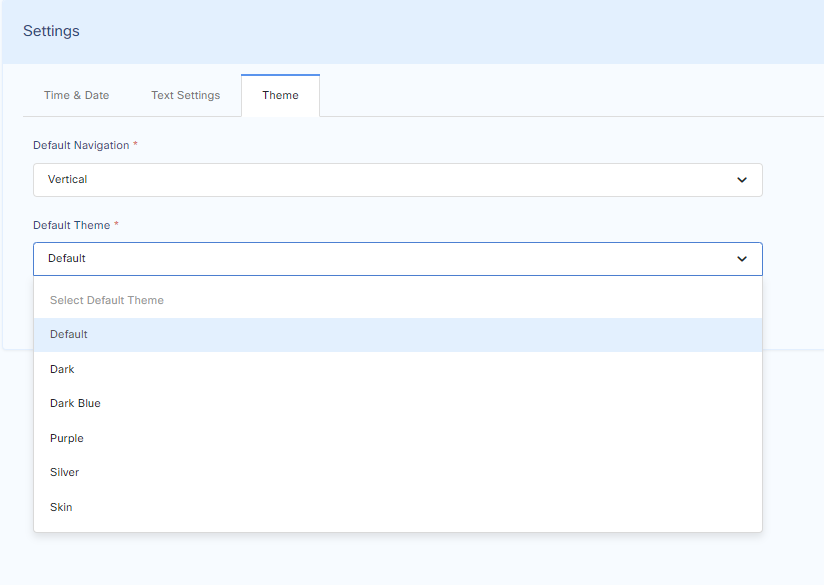
Themes
Different themes can be chosen depending on your preference. These can be changed from here.