Address Book
Address Book entries are fetched from Active Directory and include the details of users and their email addresses.
Add manual Address Book entry
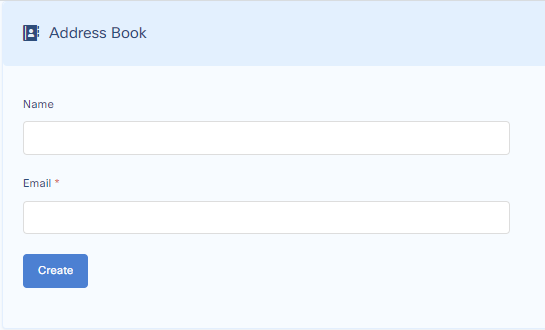
A manual address book entry includes Name and Email Address. For that, go to:
Customize > General Settings > Address Book
Fill in the name and email address of the user you want to add into the address book and press save.
Import Address Book from Active Directory
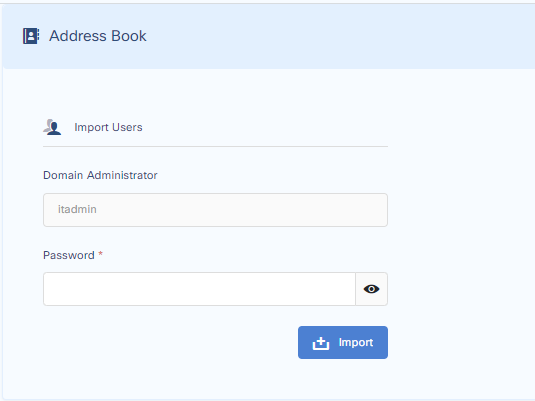
Addresses can be fetched from Active Directory. For that, go to:
Customize > General Settings > Address Book > Import Addresses
Fill in the details and press import.
Choose the Organizational Unit from which you want to import the address details.
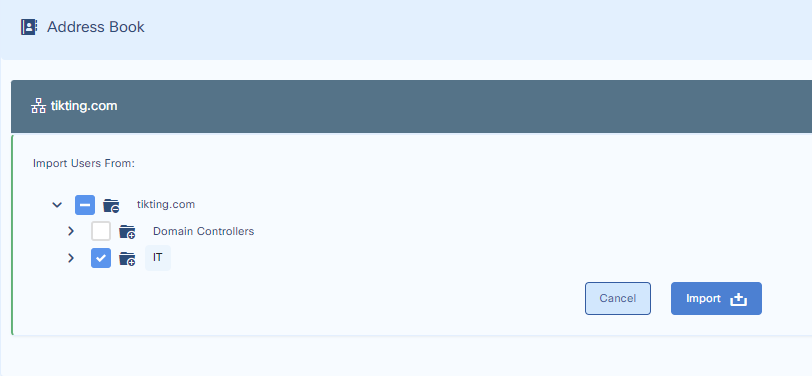
Press Import. When finished, you can see the Address Book list in:
Customize > General Settings > Address Book