Category
Categories are applied to tickets to segregate them into different categories according to the needs of the helpdesk.
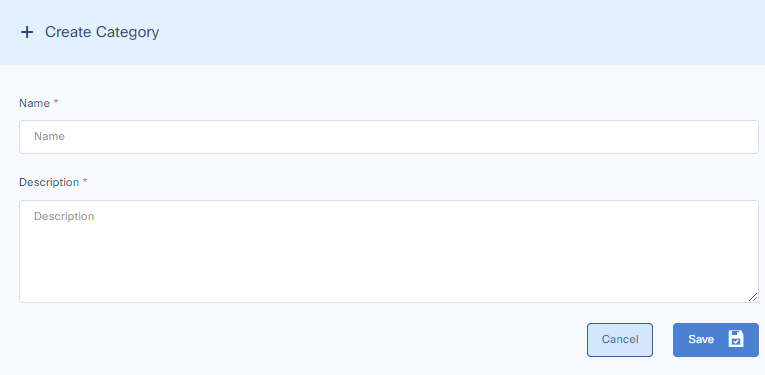
Add Category
To add a Category go to:
Settings > General Settings > Category
Add the category and its description and press save.
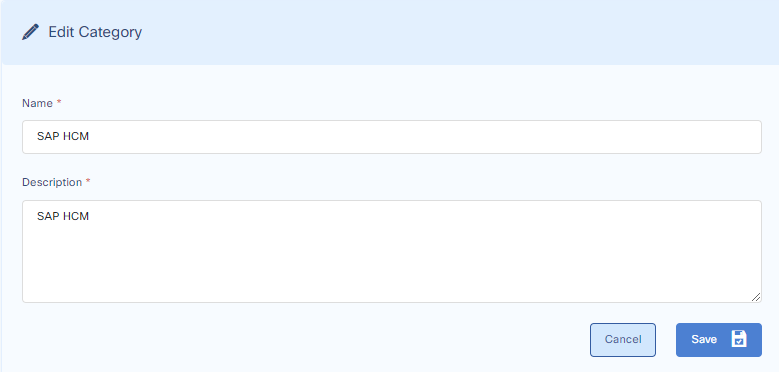
Edit Category
Go to:
Settings > General Settings > Category
Edit the category and its description and press save.
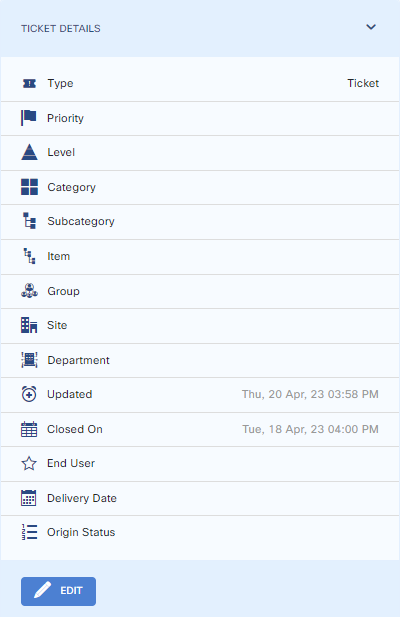
Update Category in Ticket Details
To update / apply a category to a ticket, go to the ticket. On the lower right-hand side above the history, you can update or apply the category to the ticket.
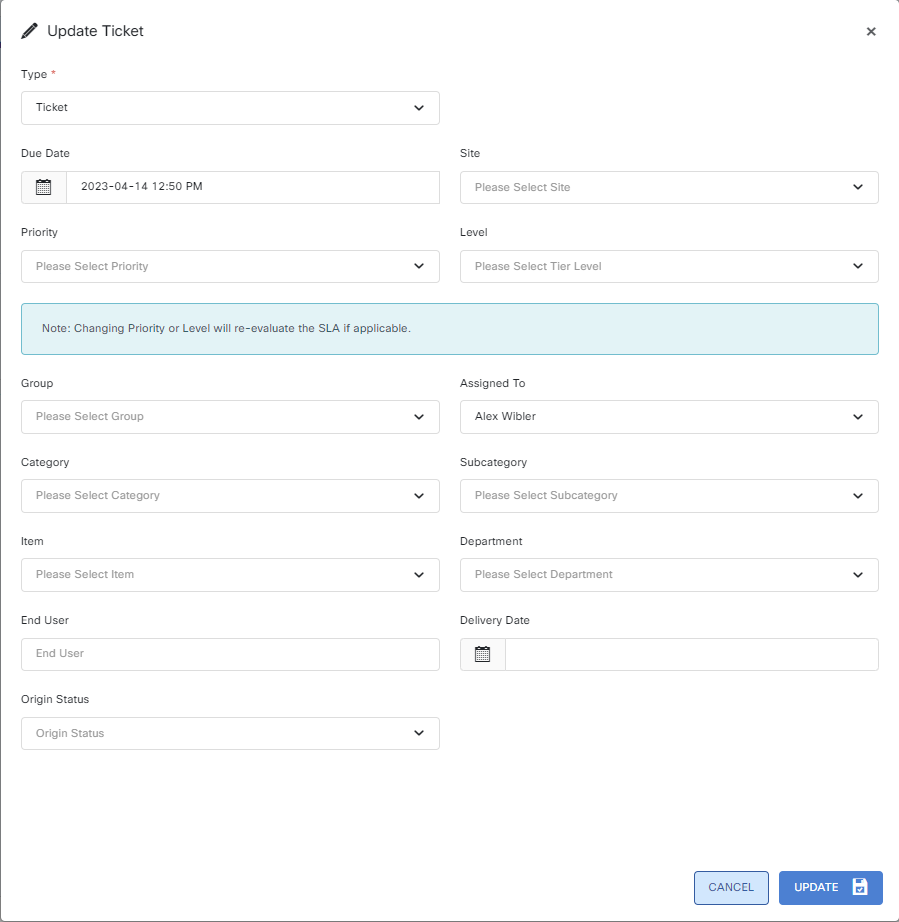
A new window will pop up from which you can change the category.