Table of contents
Technician Auto Assign
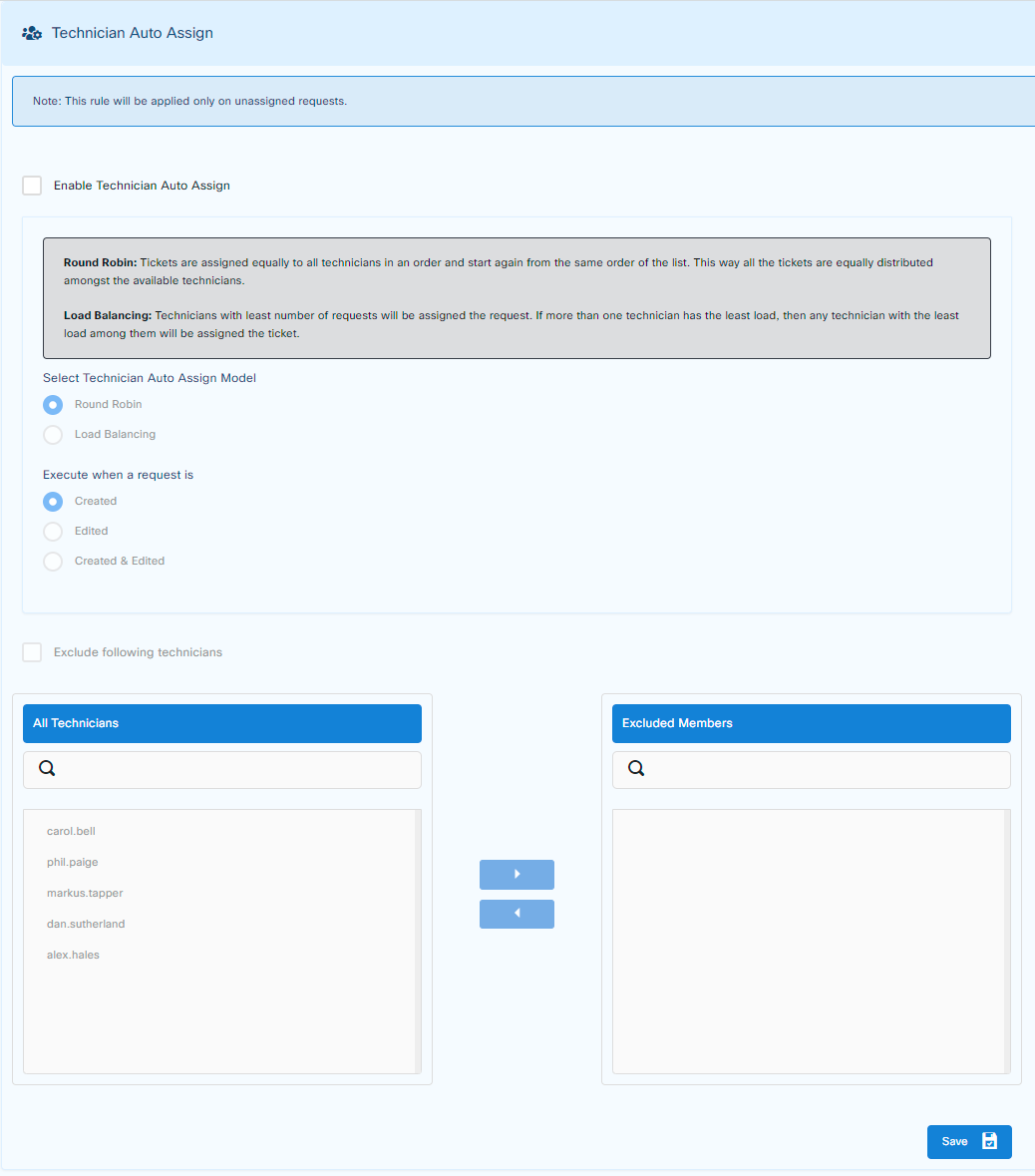
This feature assigns any incoming tickets automatically to the next available technician via two methods.
Round Robin
Load Balancing
Furthermore, they can be assigned at three different stages:
Created
Edited
Created and Edited (This is AND condition from AND/OR Logic)
It can include or exclude technicians to which this method should be applied.
Terms
Round Robin: Tickets are assigned equally to all technicians in an order, starting again from the top of the list. This way all the tickets are equally distributed amongst the available technicians.
Load Balancing: Technicians with the least number of requests will be assigned the request. If more than one technician has the least load, then any technician with the least load among them will be assigned the ticket.
Execution Rules
Created - Execution will be applied on any new incoming tickets.
Edited - Execution will be applied to any ticket which is edited.
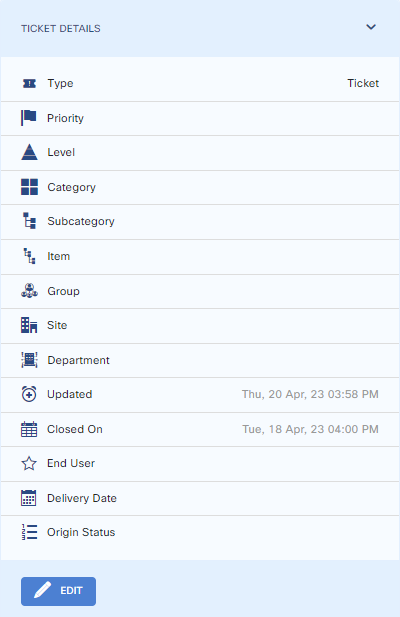
Edited means that any of the following is updated / edited.
Set Technician Auto Assign
To enable Ticket Auto Assign, go to
Customize > Users > Ticket Auto Assign and press Enable Technician Auto Assign
Choose settings and save when done.