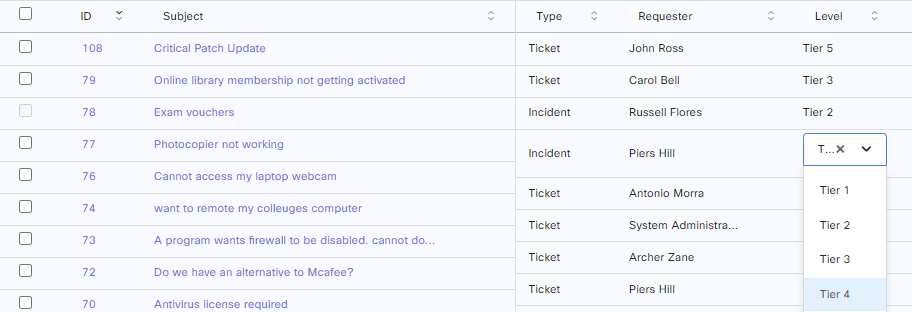
Tiers
Tickets can be linked to Tiers. Tier level can be linked as a measure to indicate the complexity of a ticket. In larger deployments, staff hierarchy can also be configured to link with Tier levels.
Add Tier Level
To add a Level go to:
Settings > General Settings > Level
On the right-hand side of this page, press Add Level.
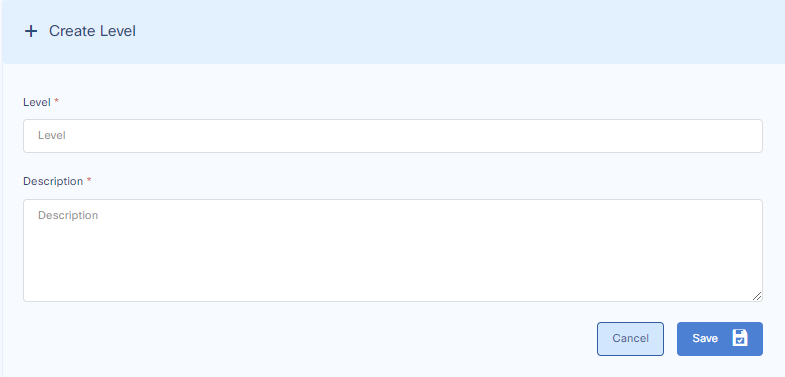
Fill in the required details and press save.
Edit Tier Level
To edit a level, go to:
Settings > General Settings > Level
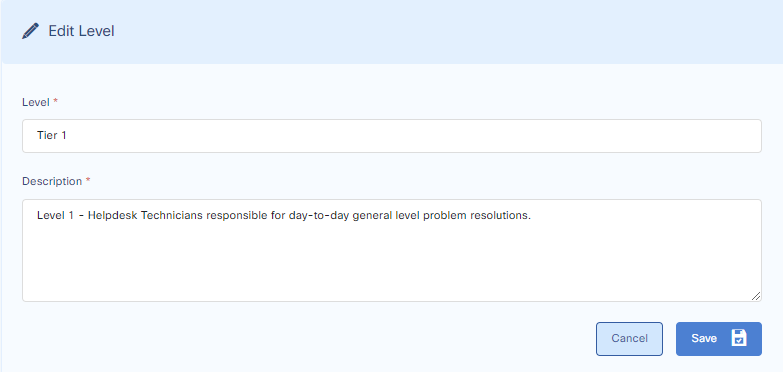
Update Tier Level in Ticket Details
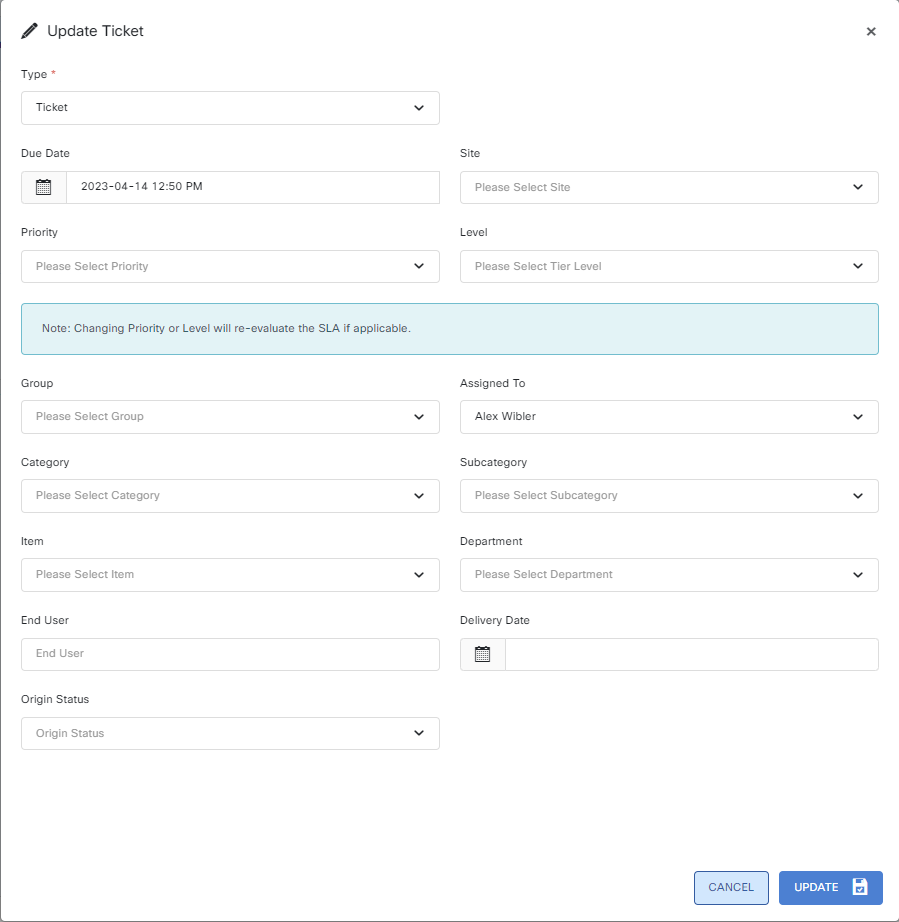
To update / apply a level to a ticket, go to the ticket. On the lower right-hand side above the history, you can update or apply the level to the ticket.
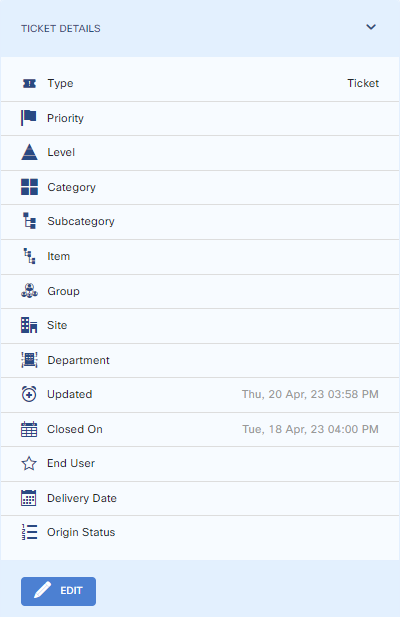
Edit the level of the ticket and press save.
Update Level through inline editing on the main tickets page.
To update levels through inline editing, on the main tickets page, go to the ticket for which you want to change the level > double click > a drop down menu appears from which the level should be selected and then clicking outside of the row will save.