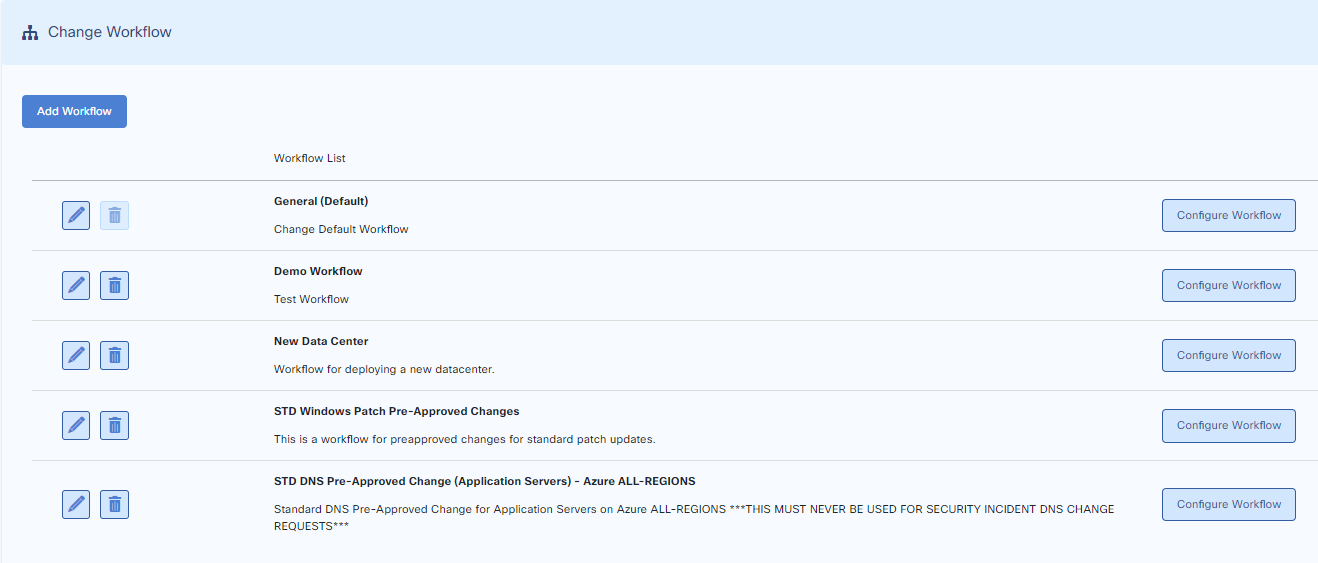
Change Workflow
A default Change Workflow is provided. You can customize the default or create separate Change Workflows according to your needs.
Add Change Workflow
To add a customized Change workflow, go to:
Customize > Change Management > Change Workflows
Press the add a new workflow button and proceed through the next screens. When finished, go to Change workflows and press customize workflow.
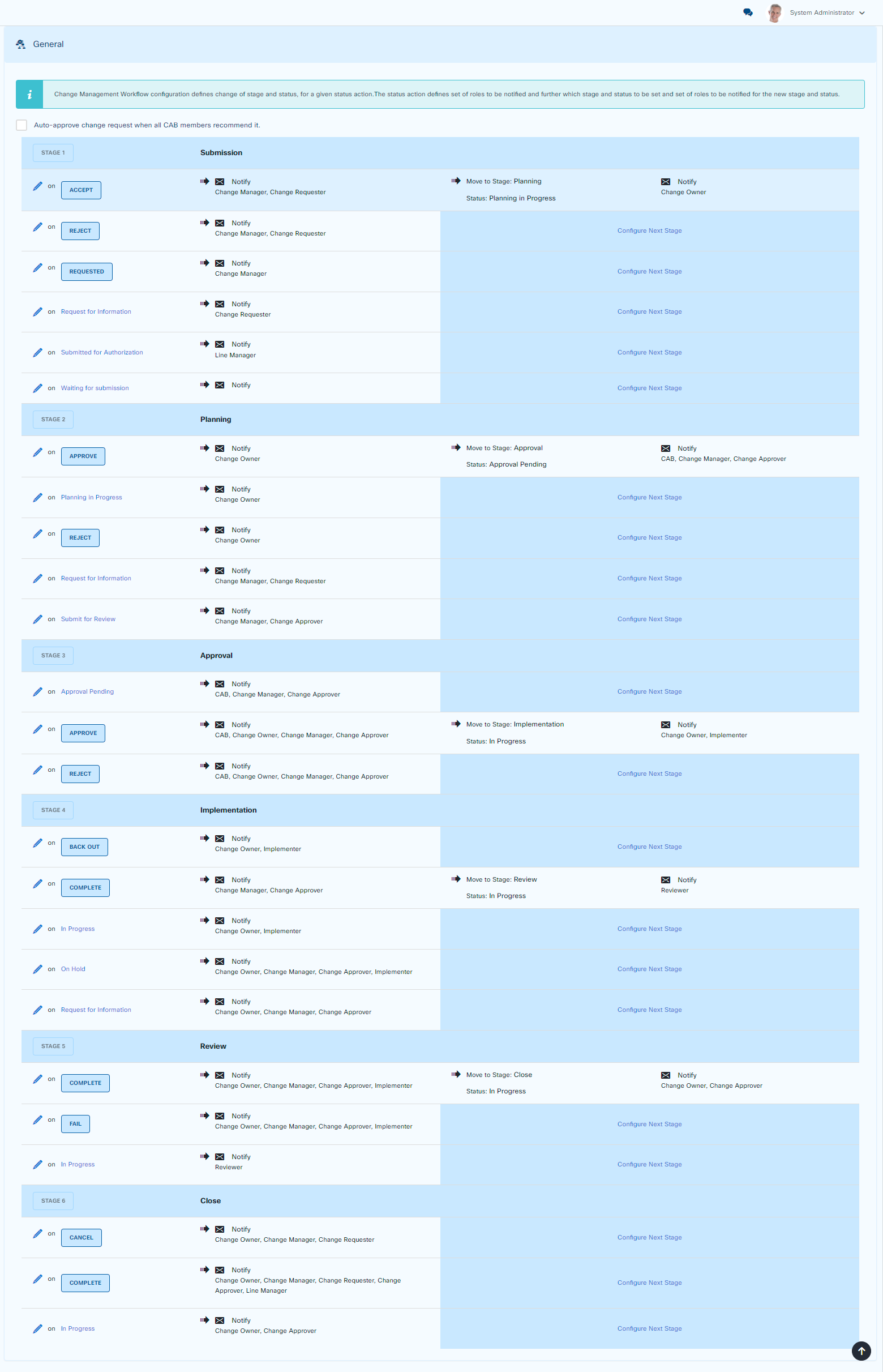
Edit Change Workflow
To edit a Change workflow, go to:
Customize > Change Management > Change Workflows
Press the configure workflow button and proceed.
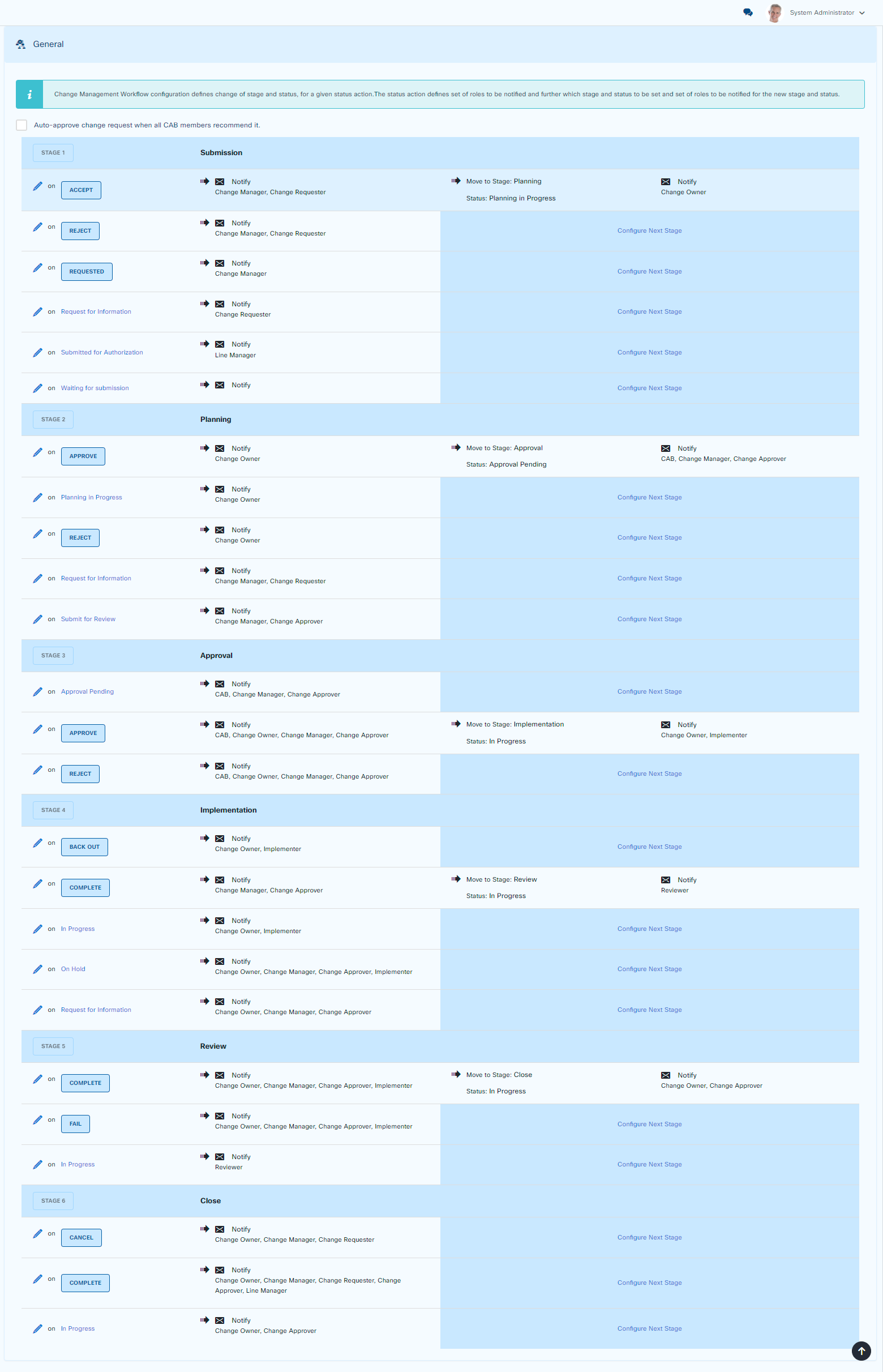
Delete Change Workflow
To delete a Change workflow, go to:
Customize > Change Management > Change Workflows
Press the delete button from the list and proceed.