Departments
Departments are useful in identifying tickets originating from different departments across your organisation.
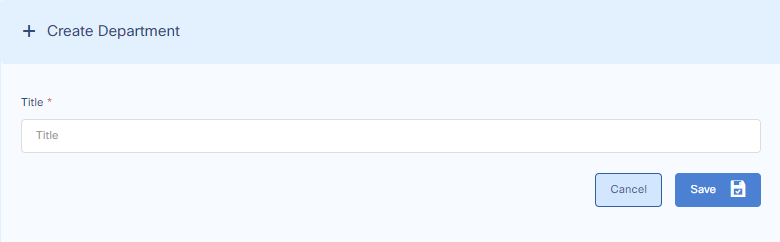
Add Department
To add a Department go to:
Settings > General Settings > Department and click the Add Department button.
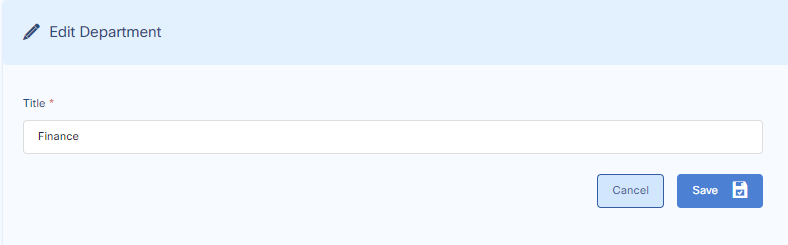
Edit Department
To edit a Department go to:
Settings > General Settings > Department
From the department list press the pencil icon, go to the next screen and press save when done.
Update Department in Ticket Details
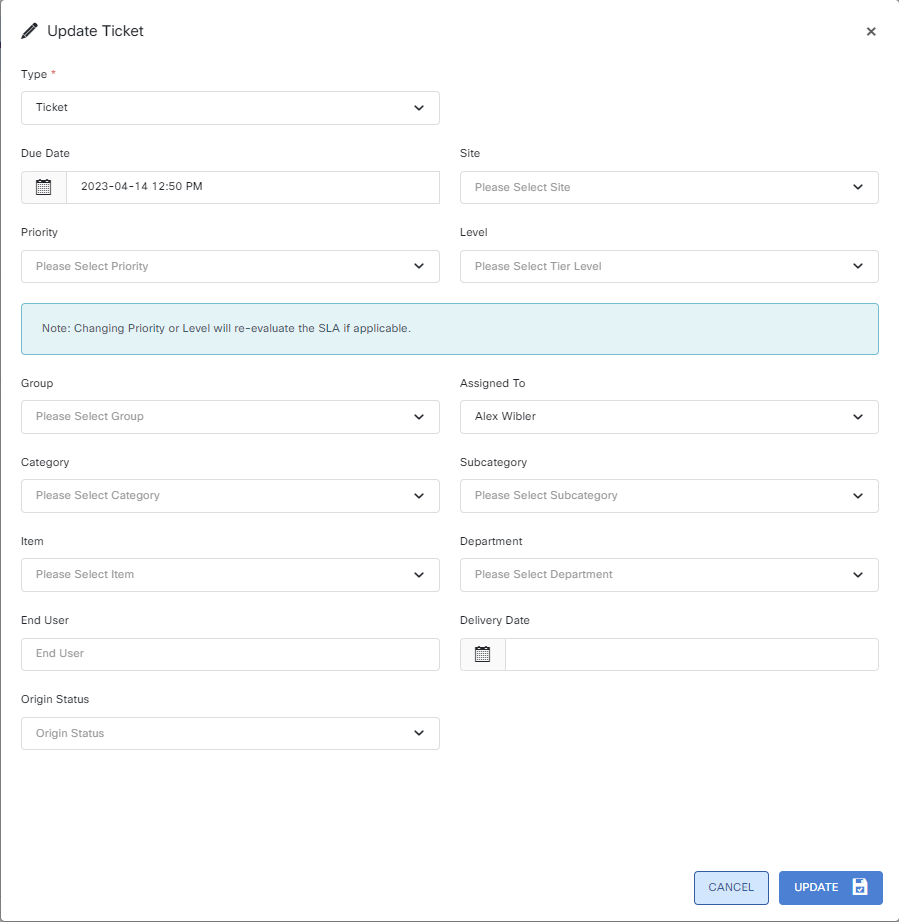
To update / apply the department a ticket came from, go to the ticket. On the lower right-hand side above the history, you can update or apply the department to the ticket.
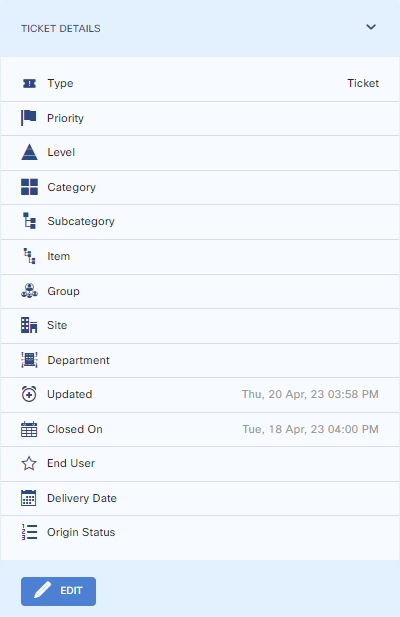
A new window will pop up from which you can change the department.
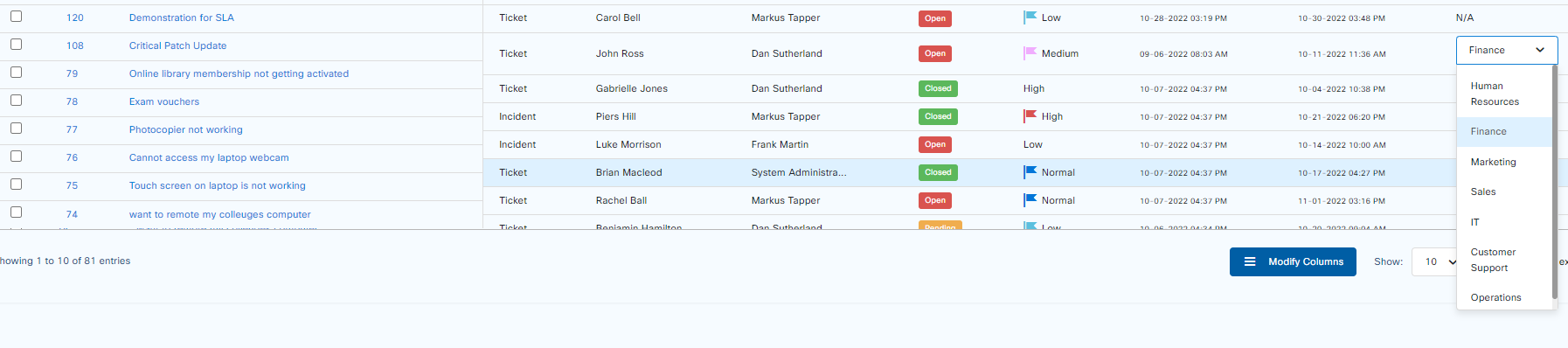
Update Department through inline editing on the main tickets page.
To update department through inline editing, on the main tickets page, go to the ticket for which you want to change the department > double click > a drop down menu appears from which the department should be selected and then clicking outside of the row will save.