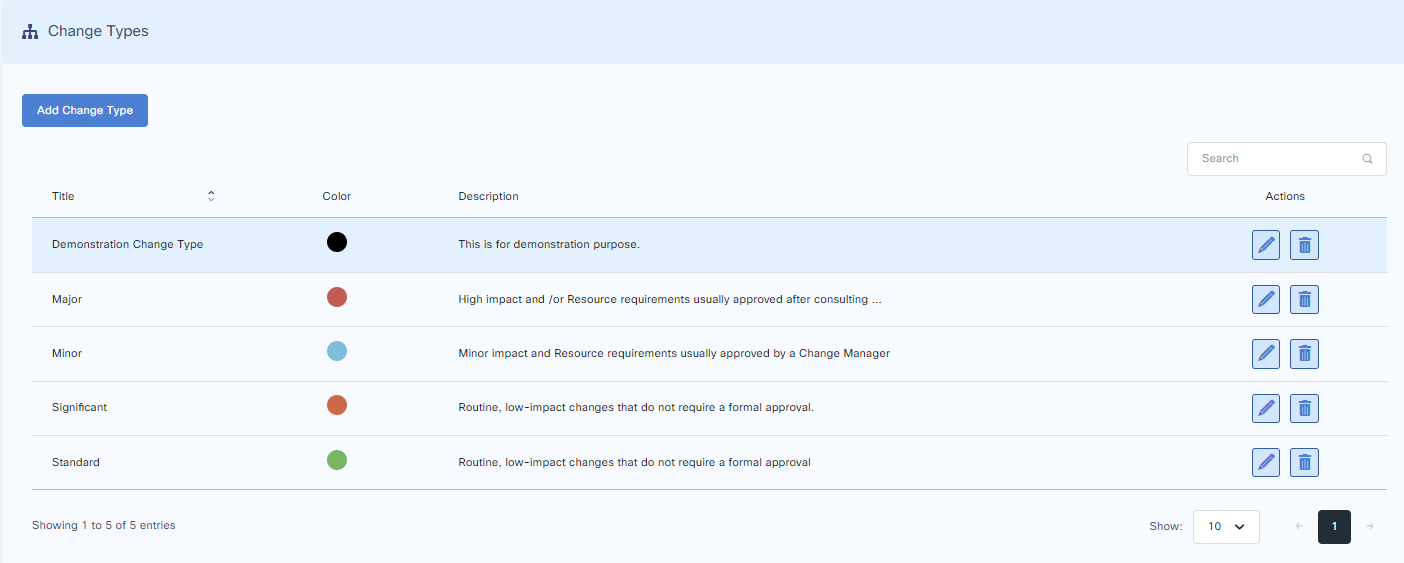
Change Types
Four change types are provided by default.
Add Change Type
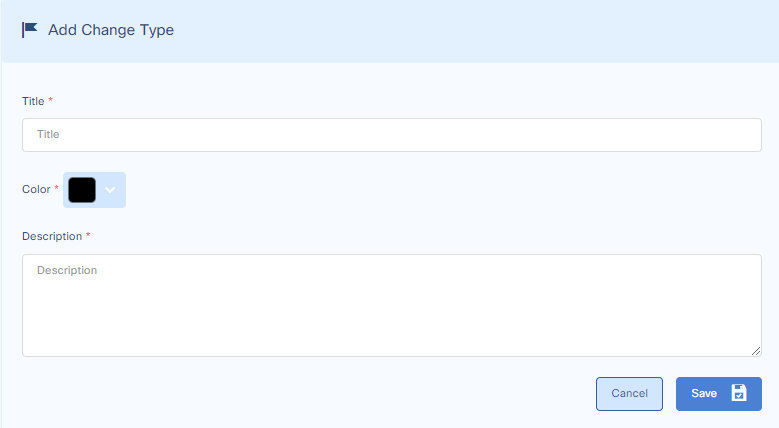
To add a change type, go to:
Customize > Change Management > Change Types
Press add a change type and proceed.
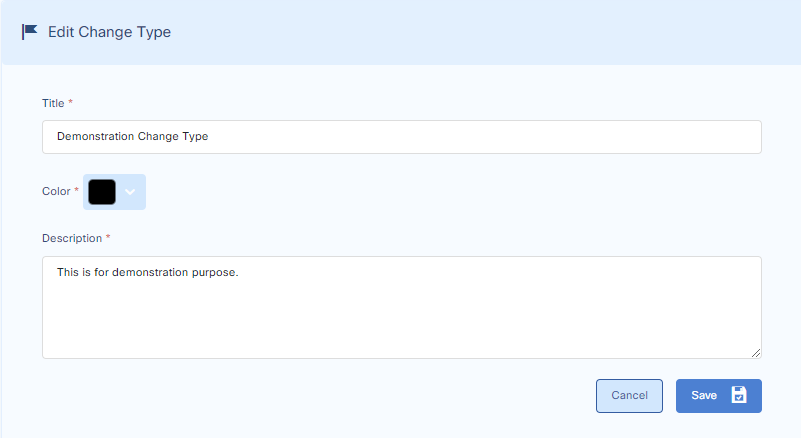
Edit Change Type
To edit a change type, go to:
Customize > Change Management > Change Types
Press the edit button from the change type in the list and proceed.
Delete Change Type
To delete a change type, go to:
Customize > Change Management > Change Types
Press the delete button from the change type in the list and proceed.