System Configuration
System Configuration includes the default values for Tickets and the Working Hours of technicians.
To modify these values go to:
Configuration > System Configuration
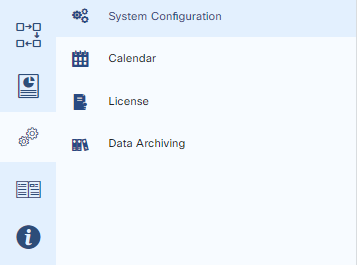
On the following screen Administrators can change the default system configurations.
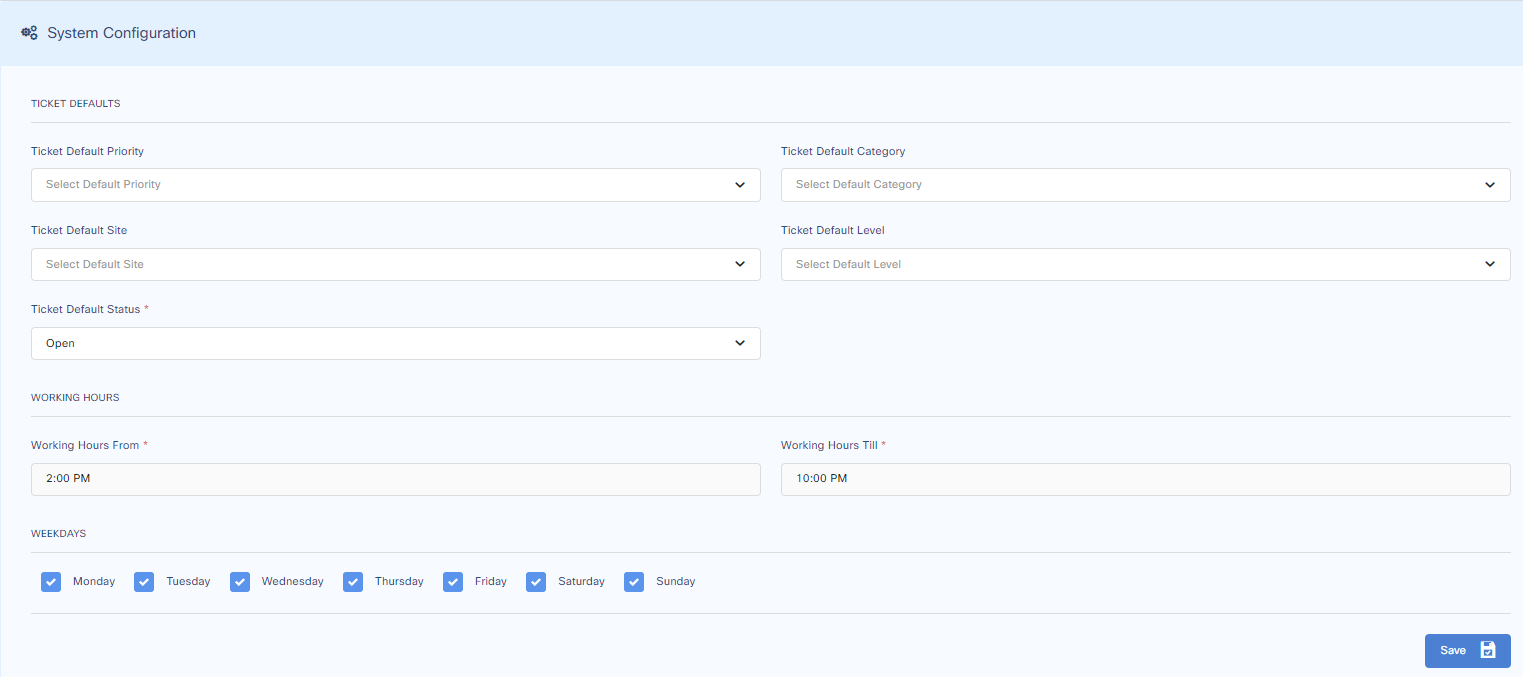
Ticket Default Priority
When changed, incoming tickets will have the default Priority (e.g. Low).
Ticket Default Category
When changed, incoming tickets will have the default Category (e.g. General).
Ticket Default Site
When changed, incoming tickets will have the default Site (e.g. Head Office).
Ticket Default Level
When changed, incoming tickets will have the default Level (e.g. Tier 1).
Ticket Default Status
When changed, incoming tickets will have the default Status (e.g. Open).
Administrators can also change the working hours and define work days.